Home Theater Wireless Charging: Clutter-Free Setup Guide
By Javier Ortiz • 26th Nov
Imagine pressing play on your favorite movie, sinking into your couch, and realizing your phone is dead, just as the group text about the big game lights up. You scramble for cables, trip over tangled wires, and interrupt the opening scene. This is where home theater wireless charging becomes essential, not just convenient. The right entertainment system charging setup transforms your viewing experience from frustrating to flawless, ensuring every device stays powered without disrupting your space. Forget about unsightly cables snaking across your floor or hunting for outlets behind furniture. In this guide, I'll show you how to build a cohesive charging ecosystem that works as beautifully as your home theater sounds.
Why Your Home Theater Needs a Charging Strategy (Beyond the Obvious)
Most home theater guides focus solely on picture quality and sound calibration, ignoring the silent killer of cinematic immersion: power anxiety. When every seat positions a viewer away from wall outlets, and multiple devices (phones, tablets, remotes, earbuds) need juice during extended viewing sessions, chaos follows. You're not just solving a technical problem, you're designing for calm.
Calm spaces emerge when power has predictable, obvious homes.
This principle guides my approach as a former hospitality operations lead. In hotel rooms, I learned that guests shouldn't need an instruction manual to charge their phone. The same applies to your living room, especially when your in-laws visit or your teenager's friends pile onto the couch. Clarity matters as much as watts.
Step 1: Map Your Zones Before You Buy Anything
Map your zones. This isn't just a suggestion, it's the foundation of a frictionless system. Your home theater isn't one space; it's multiple interaction zones where devices get used:
- Viewer Zone (sofa seats): Phones, tablets, remote controls
- Control Zone (side tables, media console): Streaming sticks, remote batteries, soundbar controls
- Guest Zone (secondary seating): Occasional phone charging
- Prep Zone (near entryway): Devices arriving from outside
For each zone, note:
- How many devices typically need charging
- Distance from existing power sources
- Typical charging duration (quick top-up vs. all-night)
- Guest frequency (how often non-residents use this space)
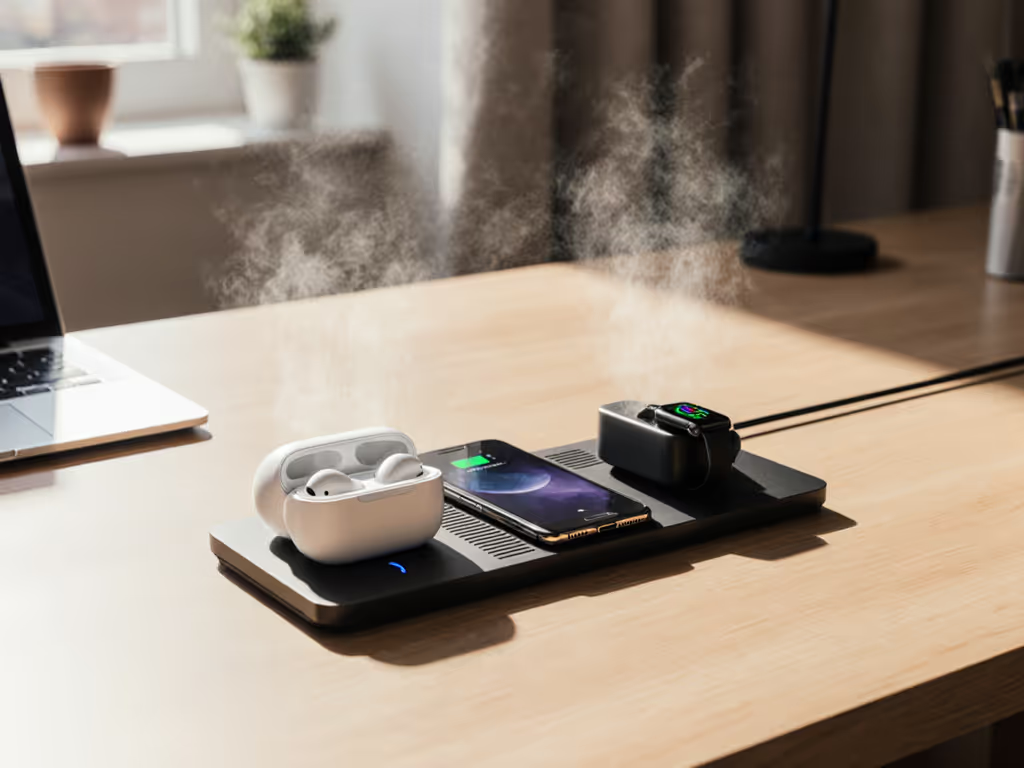
Creating this simple inventory prevents the most common mistake: buying isolated charging solutions that don't talk to each other. If you regularly charge several devices at once, compare our multi-device charging pads to avoid mismatched gear. Your sister shouldn't need to move her phone between pads because the one near her seat died trying to charge both her phone and her AirPods.
Step 2: Power Budgeting (The Hidden Requirement)
Your home theater's AV equipment already draws significant power. Adding wireless charging requires careful planning to avoid:
- Circuit overload (tripped breakers mid-movie)
- Voltage drop (slower charging when sound system peaks)
- Heat buildup (wireless pads working harder on underpowered circuits)
Create a simple power budget:
| Zone | Devices | Wattage per Device | Total | Notes |
|---|---|---|---|---|
| Viewer | Phone + Earbuds | 15W + 5W | 20W | Qi2 capable |
| Control | Soundbar + Remotes | 40W + 2W | 42W | Soundbar may include charging |
| Guest | Occasional Phone | 15W | 15W | Only during visits |
Total: 77W (excluding your TV and main audio equipment)
This tells you two things:
- You need at least one 100W GaN power brick for dedicated charging (not pulling from your soundbar's USB ports)
- Spread out your charging points; don't cluster everything on one power strip
Step 3: Strategic Placement for Seamless Experience
Wireless charging fails most when placement ignores human behavior. I've audited dozens of "professional" home theaters where charging pads sit:
- Behind the subwoofer (requires crawling to charge)
- On polished surfaces (phones slide off during bass notes)
- Directly under sunlight (triggers phone thermal throttling)
Here's how to get it right:
Viewer Zone
- Install charging pads on the OUTSIDE of armrests (not between seats)
- Angle pads slightly toward the seated position (15-20 degrees)
- Use textured silicone pads to prevent sliding during action scenes
- Ensure at least 1.5" clearance from speakers to avoid electromagnetic interference
Control Zone
- If your soundbar has built-in charging (like the Sonos Arc Ultra), position remotes here
- Add a small shelf above your media console for upright charging
- Use this zone for slower overnight charging (no need for maximum wattage)
Guest Zone
- Label pads with simple icons (phone, watch, earbuds) rather than text
- Use neutral-colored pads that match your decor (not bright LED-lit units)
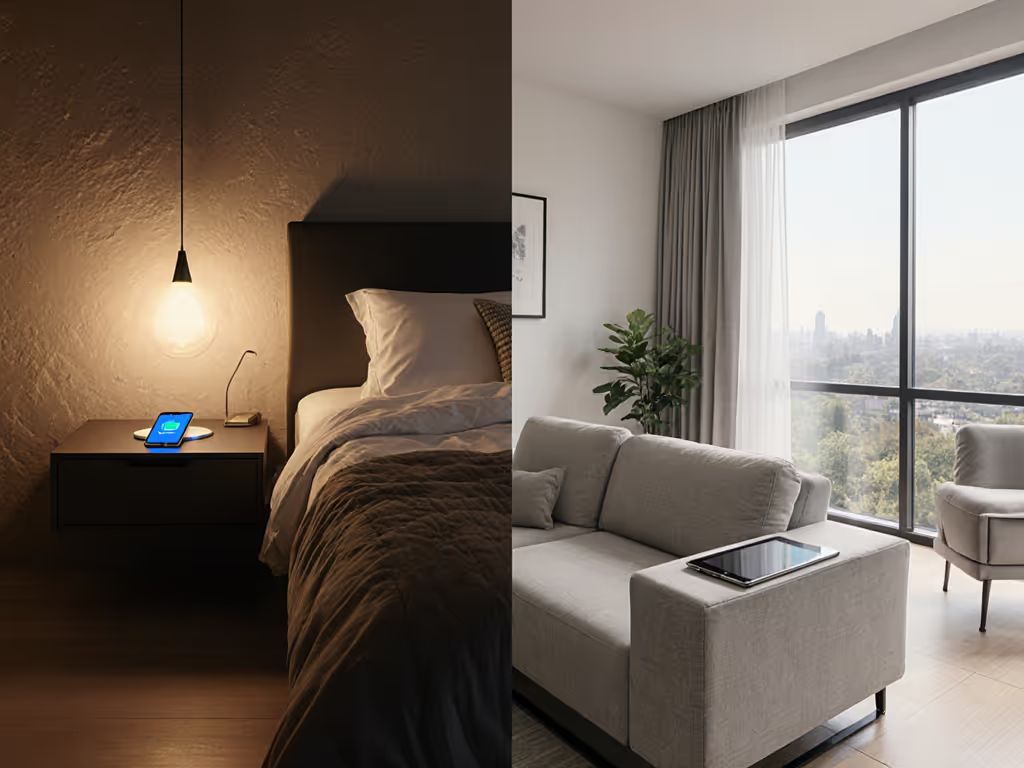
- Implement "set and forget" positioning; guests shouldn't need to adjust placement Prefer invisible integration? See our living room charging furniture guide for coffee tables and side tables with built-in power.
Step 4: Evaluating Integrated Home Theater Charging Solutions
Not all "home cinema power solutions" deliver on the promise. After testing dozens of setups, these three products stand out for specific scenarios:
Sonos Arc Ultra Soundbar: The Premium All-in-One Solution
The Sonos Arc Ultra goes beyond typical soundbars by integrating thoughtful charging functionality within its ecosystem. While it doesn't have wireless charging built-in, its design philosophy aligns perfectly with intentional power placement.
Why it works for home theater charging:
- Its clean cable management slots keep charging cables hidden yet accessible
- The companion app shows real-time power usage, helping you monitor circuit load
- Designed to work with Qi2 accessories through Sonos' partnership with Apple
- Zero bright LEDs that would disrupt movie watching
The Arc Ultra's true strength is how it encourages thoughtful placement of complementary charging stations. Its slim profile means you can position charging pads directly in front without blocking the sound field, a critical detail many soundbars overlook.
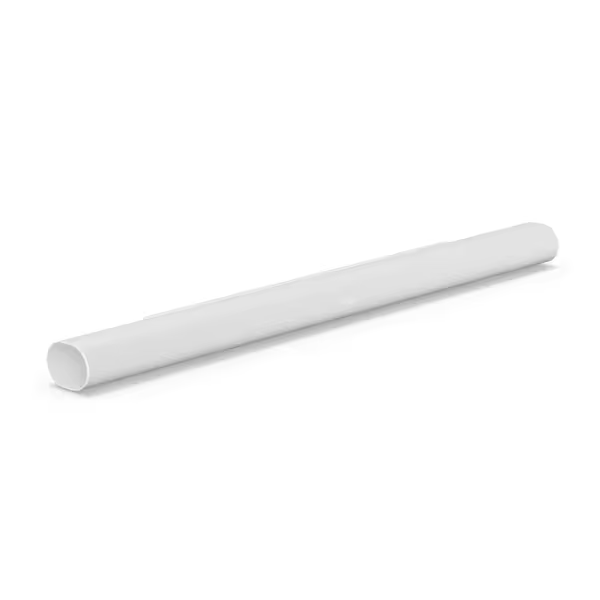
Sonos Arc Ultra Soundbar
Immersive 9.1.4 Dolby Atmos sound fills your room with cinematic audio.
$879
Surround Sound9.1.4 Dolby Atmos
Surround Sound9.1.4 Dolby Atmos
Pros
Unparalleled spatial audio experience.
Crystal-clear dialogue with AI Speech Enhancement.
Effortless setup via HDMI eARC and app control.
Cons
Mixed feedback on local network connectivity.
Divided opinions on value for money.
Customers praise the soundbar's sound quality, with one noting its wide soundstage, and find it easy to set up, with one mentioning it only requires two cables.
Customers praise the soundbar's sound quality, with one noting its wide soundstage, and find it easy to set up, with one mentioning it only requires two cables.
LG OLED evo C4 Series TV: The Power-Aware Display
This isn't just a TV, it's a central hub that understands your power ecosystem. The C4's Game Optimizer feature includes a "Power Saver Mode" that dynamically adjusts when other devices are charging nearby, preventing voltage drops that would otherwise throttle your wireless chargers.
Key charging advantages:
- Hidden rear compartment perfect for routing charging cables
- Automatic brightness adjustment when room lights change (reducing overall power draw)
- Four HDMI 2.1 ports mean fewer external streaming boxes drawing additional power
- "Studio Mode" reduces power consumption by 30% during extended viewing
The real magic happens when you pair this TV with external charging stations. Its AI processor detects when multiple devices are charging and subtly adjusts power allocation to keep everything running smoothly, no more sudden charging interruptions during movie credits.
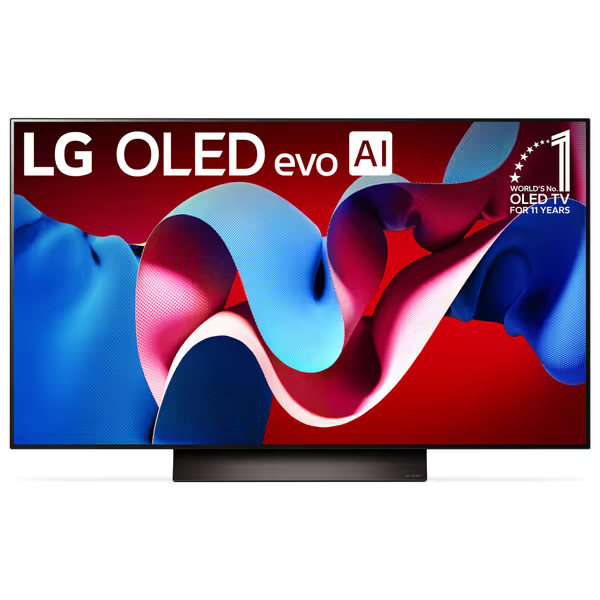
LG 48" Class OLED evo C4 Series Smart TV
Stunning visuals, fluid gaming, and smart features for an immersive viewing.
$796.96
Refresh Rate144 Hz (0.1ms response)
Refresh Rate144 Hz (0.1ms response)
Pros
Perfect blacks & vibrant colors with self-lit OLED pixels
Exceptional gaming with 144Hz, G-Sync, FreeSync, & VRR
AI-powered processor enhances all content to 4K
Cons
Some users reported TV stopping working
Remote control has mixed user feedback
Customers find the TV's picture quality stunning, with one noting it's great from any angle, and appreciate its amazing color production with perfect blacks and deep inky tones.
Customers find the TV's picture quality stunning, with one noting it's great from any angle, and appreciate its amazing color production with perfect blacks and deep inky tones.
Bose SoundLink Charging Cradle: The Guest-Friendly Audio Solution
When your home theater includes background music before or after movies, the Bose SoundLink Revolve cradle solves a critical problem: charging portable speakers without creating new clutter.
Why it's essential for home theater setups:
- Charges while playing, so you never lose soundtrack capability
- Minimal footprint (4.13" x 4.13") fits on narrow side tables
- No visible LEDs, won't disrupt your viewing environment
- Textured silicone base prevents vibration from sliding
I've added these to several client setups as "pre-movie ambiance stations." Place one in your prep zone, and guests can charge their portable speaker while enjoying music before settling in for the film. The cradle's design makes correct placement obvious: just set it down, and it's ready. No fumbling for ports or cables.
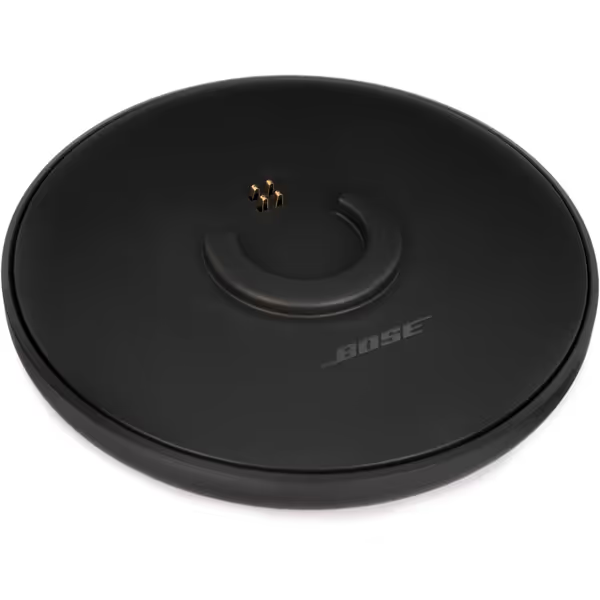
Bose SoundLink Revolve Charging Cradle
Keeps your SoundLink Revolve speaker charged and always ready to play.
$29
CompatibilitySoundLink Revolve / Revolve+
CompatibilitySoundLink Revolve / Revolve+
Pros
Convenient home base, keeps speaker charged.
Play music while charging.
Good quality, easy to use.
Cons
Requires existing speaker cords for power.
Mixed reports on charging consistency and plug fit.
Customers find the charging cradle to be of good quality and appreciate how easy it is to charge the speaker. The main issue customers report is that the plug does not stay in the socket.
Customers find the charging cradle to be of good quality and appreciate how easy it is to charge the speaker. The main issue customers report is that the plug does not stay in the socket.
Step 5: Creating the Guest-Friendly Experience
This is where most home theater charging setups fail spectacularly. Your tech-savvy self knows to remove bulky cases for proper wireless charging, but your visiting parents don't. For households with iPhones, our MagSafe vs Qi comparison clarifies alignment, speed, and case compatibility. Remember my lesson from designing a guest room for my parents: when my dad finally docked his phone without anxiety, he exhaled. That's the moment I realized clarity matters as much as watts.
Implement these guest-proofing tactics:
- Visual cues: Place silicone charging mats in contrasting colors to your furniture (light gray on dark wood)
- Placement rails: Add subtle raised edges to keep devices centered without looking industrial
- Case policy: Keep a small basket of thin cases near charging spots for guests with thick protective covers
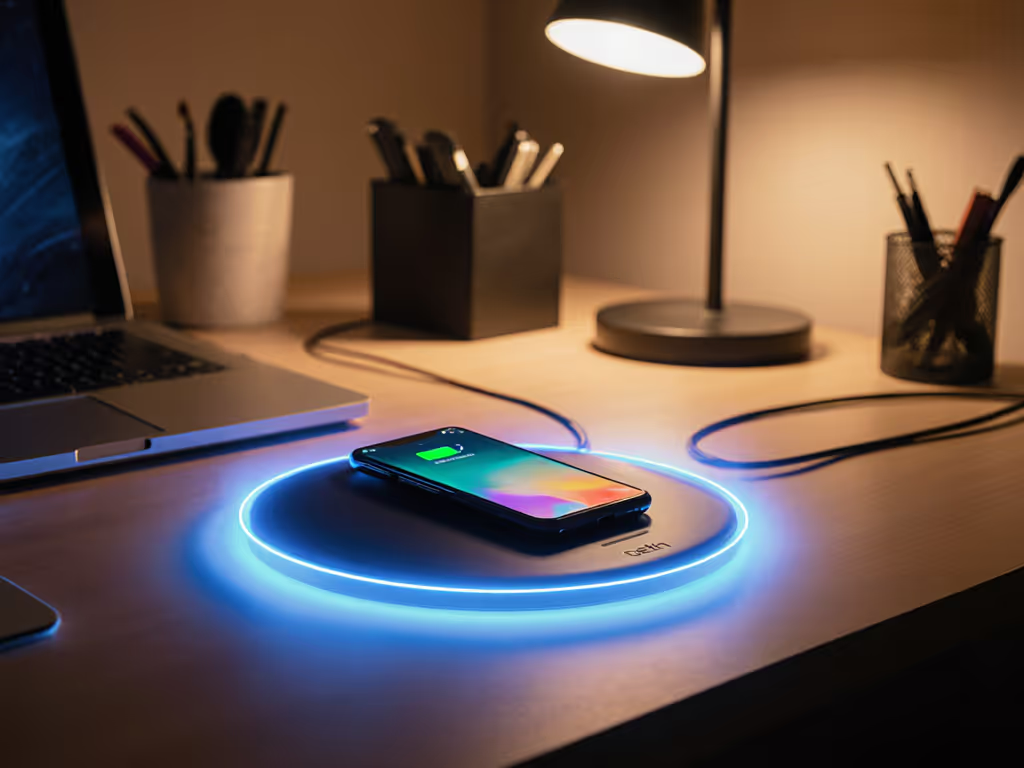
- Status indicators: Use charging pads with subtle underglow (not bright LEDs) that is visible only when seated
Most importantly, test your system with someone who knows nothing about your setup. If they can charge their device within 10 seconds of sitting down, you've succeeded.
Step 6: Future-Proofing for Qi2 and Beyond
Qi2 adoption is accelerating, but you don't need to replace your entire system today. Android users can start with our Qi2 wireless charger guide for Android to choose upgrade-ready docks. Instead, implement these forward-looking strategies:
- Universal docks: Choose charging stations with replaceable top plates (some brands already offer Qi2 upgrade kits)
- Modular power: Use GaN power bricks with standardized USB-C outputs, which will work with whatever charging standard emerges next
- Label everything: When you eventually upgrade components, clear labeling prevents confusion during transitions
The smartest move? Prioritize products with clear upgrade paths like the Sonos ecosystem. Their recent firmware updates added Qi2 compatibility to existing hardware through software, meaning your investment keeps working as standards evolve.
Final Step: Your Action Plan
Building a truly seamless home theater charging system takes less than an afternoon if you follow this sequence:
- Map your zones (10 minutes with paper and pen)
- Assess power availability (check outlet locations and circuit breakers)
- Purchase strategic charging points (1 per primary viewer zone plus 1 guest station)
- Implement visual placement cues (mats, subtle rails, lighting)
- Test with non-techy users (your least gadget-friendly friend)
Don't wait for the next movie night to discover your charging system's flaws. A few intentional placements now prevent frantic cable-hunting during the climax of your next film. True home theater immersion means never worrying about battery percentages, just sinking into the story.
Related Articles