Best Qi2 3-in-1 Wireless Charging Stations For Home Offices
By Luca Moretti • 21st May
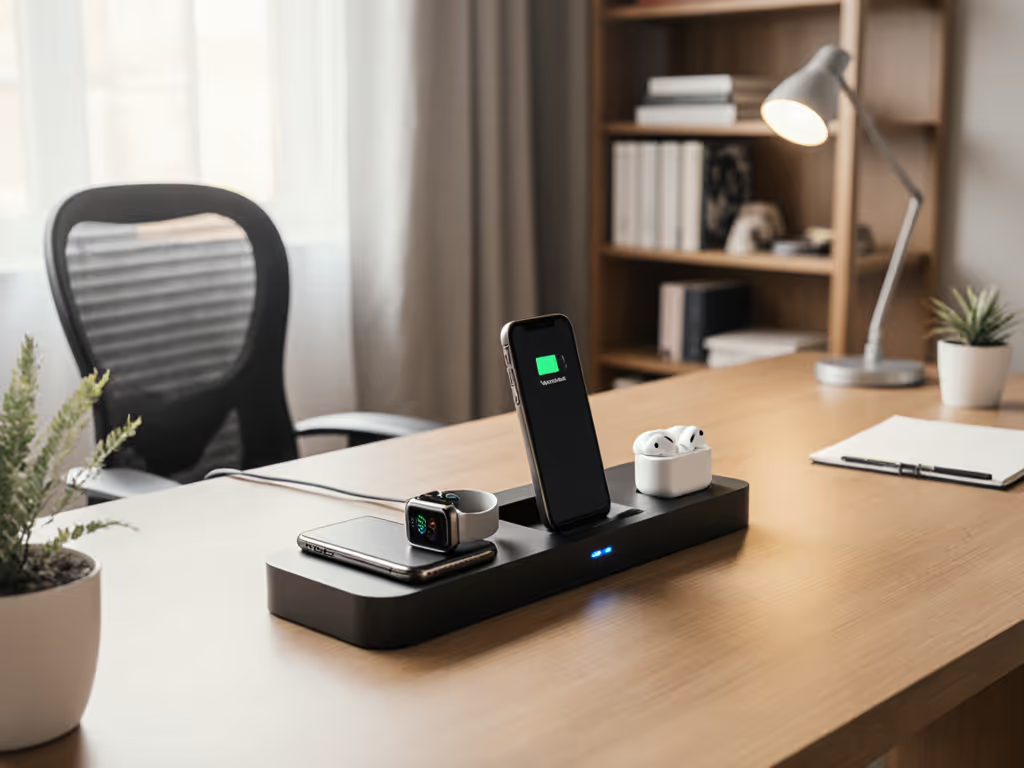
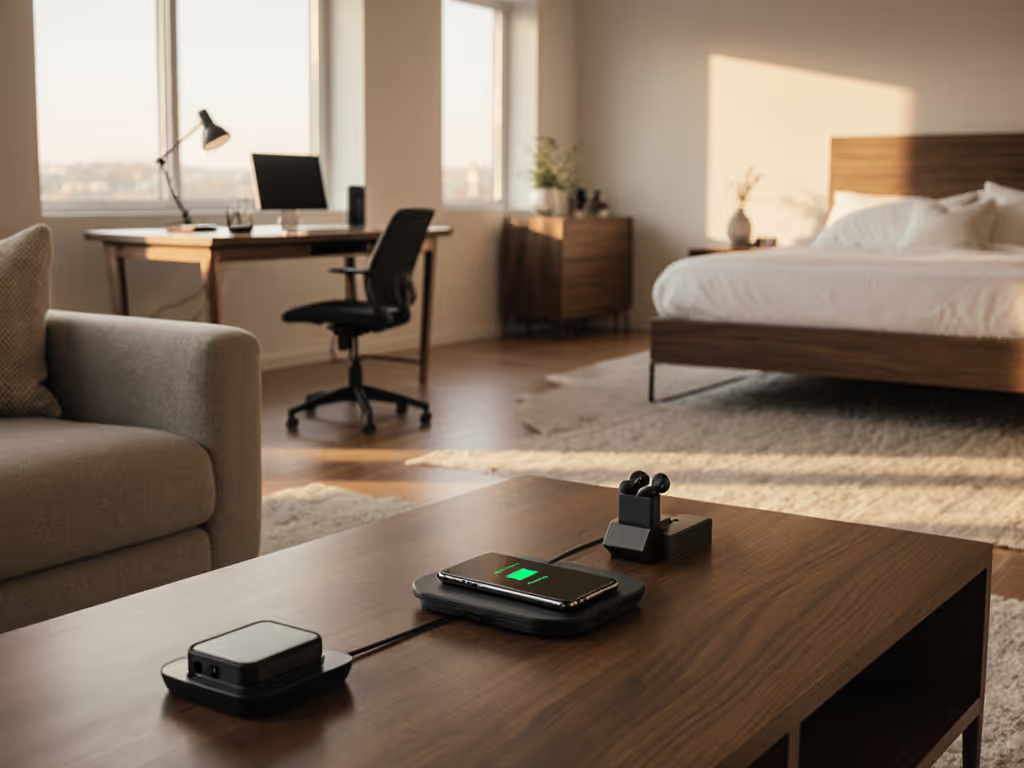
If you're shopping for a Qi2 wireless charger 3-in-1 to tame your home-office chaos, you've probably noticed the market is flooded with pretty stands that don't deliver. A good multi-device charging station should quietly power your phone, earbuds, and watch all day without cooking your batteries, hogging outlets, or cluttering your desk.
Value shows up in watts delivered per hard-earned dollar. The problem is that most listings shout "3-in-1" and "fast charge" but whisper the important details: real Qi2 certification, sustained wattage under load, included power brick quality, thermal behavior, and warranty. If you're unsure how to verify compliance, see our Qi2 certification checklist.
I've been down the rabbit hole of bad chargers before. In my first apartment, a single outlet near the couch fed every device. I lived in a permanent charging scavenger hunt, picking whichever adapter hadn't walked off. That's when I started building a small kit that actually hit rated wattage and stayed cool. Since then, I track prices, certifications, and long-term cost of ownership (and I keep the receipts).
This guide walks through the main types of Qi2 3-in-1 stations that make sense for a modern home office, how they perform in real-world, sustained power office use, and how to pick the right style for your desk without paying the hype tax.
Smart spending here means buying the right wattage once, not filling a drawer with "fast" chargers that slow down when they get warm.
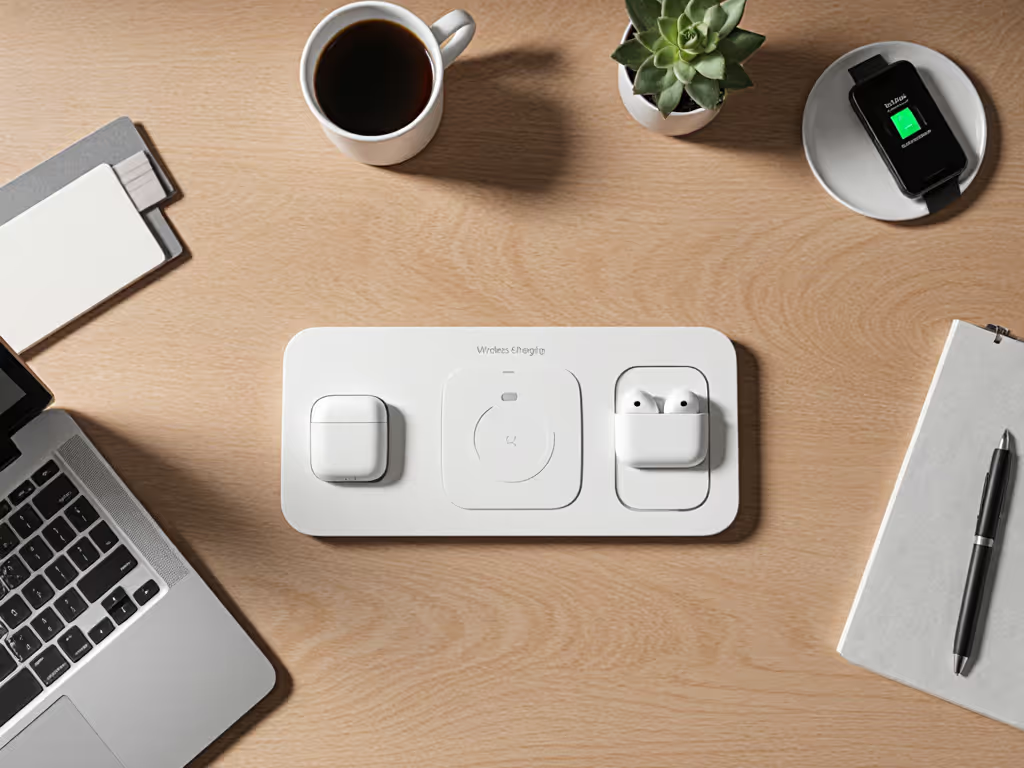
Below, each numbered pick is a type of 3-in-1 charger you'll see on the market - what I consider the best patterns for professional workspace charging solutions. Use these as blueprints when evaluating actual products.
1. The Flagship Qi2 3-in-1 Stand - For Apple-First Home Offices
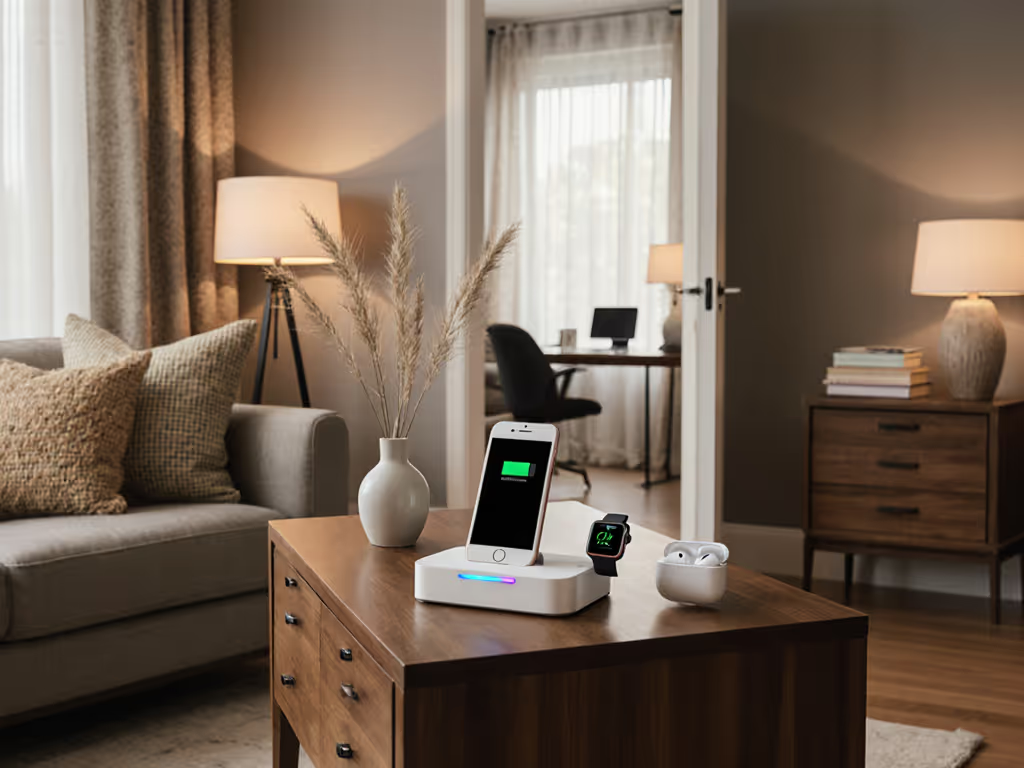
If your desk life revolves around an iPhone, Apple Watch, and AirPods, this is the layout that makes the most sense: a vertical MagSafe/Qi2 stand for the phone, a side-mounted Apple Watch puck, and a base pad for earbuds.
What "good" looks like in this category
Look for:
- Qi2-certified magnetic phone pad delivering up to 15W to compatible iPhones
- Apple Watch fast-charge module (for Series 7 and newer) or at least MFi-certified watch puck
- 5W-7.5W earbuds pad (Qi, not necessarily Qi2)
- Included 45-65W USB-C PD GaN adapter with a single cable
- Safety marks: Qi2 logo, plus UL or ETL, and FCC/CE
- Warranty of at least 12 months, ideally 24 months, with simple returns
For home office use, the vertical phone stand matters. For iPhone users, our MagSafe StandBy picks highlight stands that stay cool while powering that mode. It lets you use StandBy mode (iOS) or glanceable notifications, join video calls, or use your phone as a continuity camera or miniature second screen.
Price and cost per sustained watt
Typical pricing for this "flagship" layout:
- MSRP: $130-$180
- Typical street price: $100-$140
Realistically, you won't always charge all three devices from 0-100% simultaneously, but assume a typical scenario:
- Phone at ~15W
- Watch at ~5W (during its fast-charge period)
- Earbuds at ~3-5W
That's 23-25W of useful, sustained output when everything is going. At $120 street, you're paying roughly $4.80-$5.20 per sustained watt during heavy use.
For this category, paying a bit more is justified if you're actually getting stable 15W to the phone, fast-charge to the watch, and a reliable brick.
Thermal and noise behavior
In a quiet home office, noisy fan-cooled bases are a non-starter. You want:
- Passive cooling with peak surface temps under ~40-42°C after 30-60 minutes of fast charging (confirmed in independent reviews where available)
- No coil whine or buzzing at close range
- No aggressive LED light show; ideally a single, dim status LED you can disable or tape over
Who this is for
- You run iPhone + Apple Watch + AirPods and spend hours at your desk
- You want a stand-style wireless charger that doubles as a screen for calls and notifications
- You prefer one serious, long-term station over multiple cheaper pads
Verdict on value: If you're fully in the Apple ecosystem, this is usually a yes - provided it's genuinely Qi2-certified, includes a quality GaN brick, and stays cool. Skip any model that only offers "MagSafe-compatible" rings without real Qi2 certification or proper safety marks.
2. The Cross-Platform Qi2 3-in-1 Pad - For Mixed iPhone/Android Desks
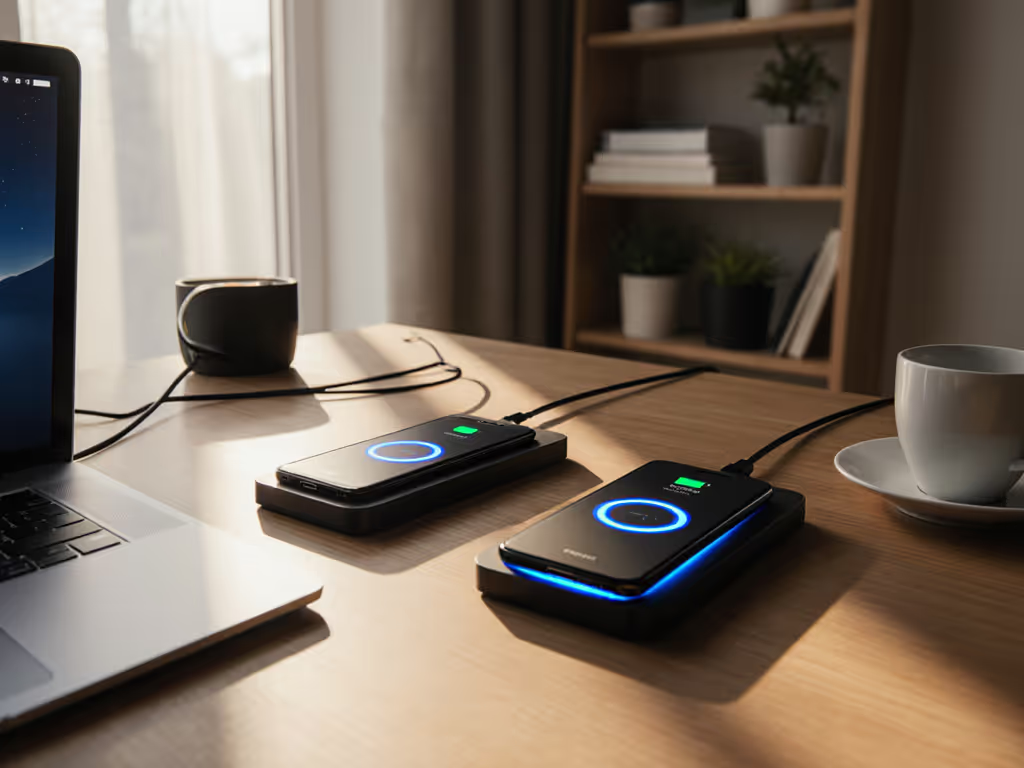
Multi-brand households and shared workspaces need something broader than "perfect for iPhone." This is where a flat Qi2 3-in-1 pad (or low-angle wedge) shines: everyone can drop a phone, Galaxy Buds, Pixel Buds, AirPods, and even non-Apple watches (where supported) onto a single pad.
Core features to require
- At least one Qi2 magnetic zone for iPhone 15/16 (and future Qi2 Android phones)
- One or two non-magnetic Qi pads for Android devices and earbuds (7.5-10W each)
- If it claims watch support: verify which watch ecosystem (Apple, Samsung, universal Qi watches) and confirm fast-charge support or not
- Packaged with a 45-65W USB-C PD adapter or clearly specified adapter requirements
- Clear coil layout diagram so you know where to place devices
Office use: where cross-platform pads win
For a home office that doubles as a shared space: For deeper comparisons of layouts and coil designs, see our multi-device pads guide.
- Colleagues or guests can charge without asking which side is "for iPhone"
- Android users still get respectable 10W Qi while newer Qi2 phones snap onto the magnetic zone
- Fewer "why is this not charging?" moments because the pad is more forgiving than tiny stand faces
Pricing and performance math
Typical pricing:
- MSRP: $100-$140
- Street price: $80-$115
Realistic sustained draw in mixed use:
- Qi2 magnetic zone: 15W (where supported)
- Secondary phone/earbuds zone: 7.5-10W
- Watch or third pad: 3-5W
That's ~25-30W of output potential. At $90 street, you're at $3.00-$3.60 per sustained watt, often a slightly better value than a premium stand if you're using all spots daily.
Watch the fine print
This category is full of vague language:
- "15W max" might apply only to one coil, with the others throttled down if you use them simultaneously
- Some pads include a 30W brick, which cannot sustain three devices at advertised max wattage
Check the specs for total system power budget. For three-device use, aim for a minimum 35-40W input from the brick.
Verdict on value: For mixed Apple/Android homes, this is often the best balance of compatibility and price-to-performance - but only if total power budget and certification are honest. Skip the hype tax on any pad that shouts "45W" while including a 25-30W adapter.
3. The Compact Vertical Qi2 Station - For Small Desks and Deep Focus
If your home office desk is narrow or you're wedged into a corner of the dining room, a full-width pad eats too much real estate. Compact vertical Qi2 stations stack phone, watch, and earbuds in a tight footprint.
Usually these look like:
- A Qi2/MagSafe-style upright phone face
- A watch arm that folds or pivots
- A small base pad or recessed tray for earbuds
Why this layout works for productivity
- Phone at eye level for quick glances, not laying flat begging for distractions
- Easy to align by feel thanks to magnets
- Less cable mess under the monitor just one line down to the surge strip
Key spec checks
- Phone: Qi2-certified for up to 15W (don't settle for generic "magnetic" unless you're okay with 7.5-10W)
- Watch: confirm MFi or official fast-charge support if you rely on quick top-ups between meetings
- Earbuds: a simple 3-5W Qi pad is enough here
- Brick: 45W PD minimum, ideally 65W if all three can peak simultaneously
Price and value
- MSRP: $110-$150
- Street price: $85-$120
With realistic 15W + 5W + 3W use, you're again in the $3.50-$5.00 per sustained watt range, similar to flagship stands. The difference is footprint and ergonomics, not raw power.
When to pick this over the flagship stand
- You don't care about large StandBy-style clock faces, just notifications
- Desk depth is limited; every centimeter counts
- You want something that can tuck under a monitor arm or shelf
Verdict on value: A yes if space is tight and you find a model that's genuinely Qi2-certified, with honest power input specs. Don't pay premium prices for a "compact" unit that still ships with a weak 20-30W brick.
4. The Modular Multi-Device Charging Station - For Multi-User Home Offices
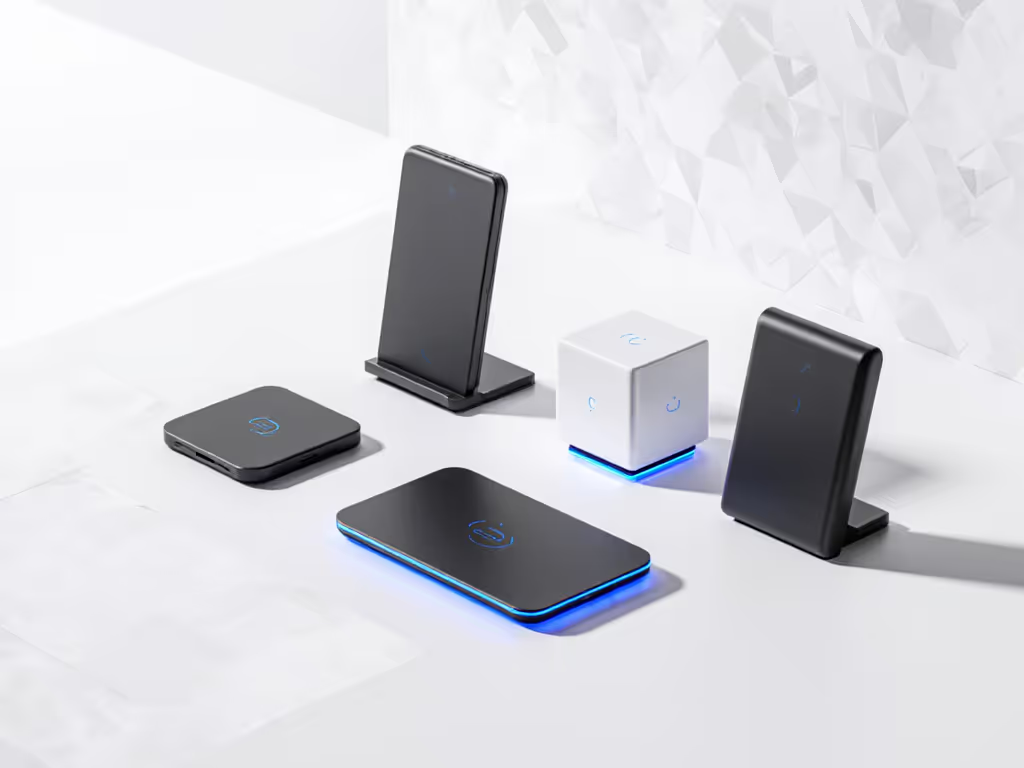
Shared office, roommates, or a family hub desk? Modular systems that let you attach, stack, or daisy-chain multiple Qi2 wireless charger 3-in-1 units or extra pads can prevent daily cable warfare.
These setups typically offer:
- A core Qi2 3-in-1 base
- Add-on extra phone pads or USB-C ports
- Sometimes detachable magnetic power banks that double as stand-alone chargers
What to demand from modular systems
- Single high-wattage GaN brick (e.g., 100W) feeding the base
- Clear power budget per module you should know what each port and pad gets under full load
- True Qi2 certification for the magnetic surfaces
- Branded, verifiable safety marks and a 2-year warranty at this price tier
Cost per watt in family/office scenarios
These systems are rarely cheap:
- MSRP for base + one add-on: $180-$260
- Street price: $150-$220 depending on modules
But if your base and expansions can realistically push, say, 60-70W of combined wireless + wired output in steady use, you're looking at $2.50-$3.50 per sustained watt when fully occupied which is strong value in multi-user environments.
The catch: many modular ecosystems lock you into proprietary add-ons. That's manageable if the base system is well-designed and they commit to Qi2/USB-C standards long term.
Verdict on value: A conditional yes for multi-user or family home offices that constantly run out of outlets. It's overkill for a solo worker unless you plan to expand.
5. The Travel-Ready Foldable Qi2 3-in-1 That Lives on Your Desk
If you bounce between home, coworking, and the occasional business trip, a foldable 3-in-1 that works both as your home-office station and in your travel kit keeps life simple.
These usually fold into a flat slab or tri-fold block, with:
- One Qi2 magnetic face for your phone
- One watch puck (often hinged)
- One flat earbuds pad
What separates good travel-capable bases
- Real Qi2 for 15W when you're at your desk
- A detachable USB-C cable so you can use a different brick on the go
- Compact 45-65W GaN adapter that doesn't hog the power strip
- Travel-friendly features: low-glare LEDs, no active fan, and robust hinges
Heat and battery health considerations
Travel pillows and hotel nightstands have terrible airflow. A decent foldable 3-in-1 should:
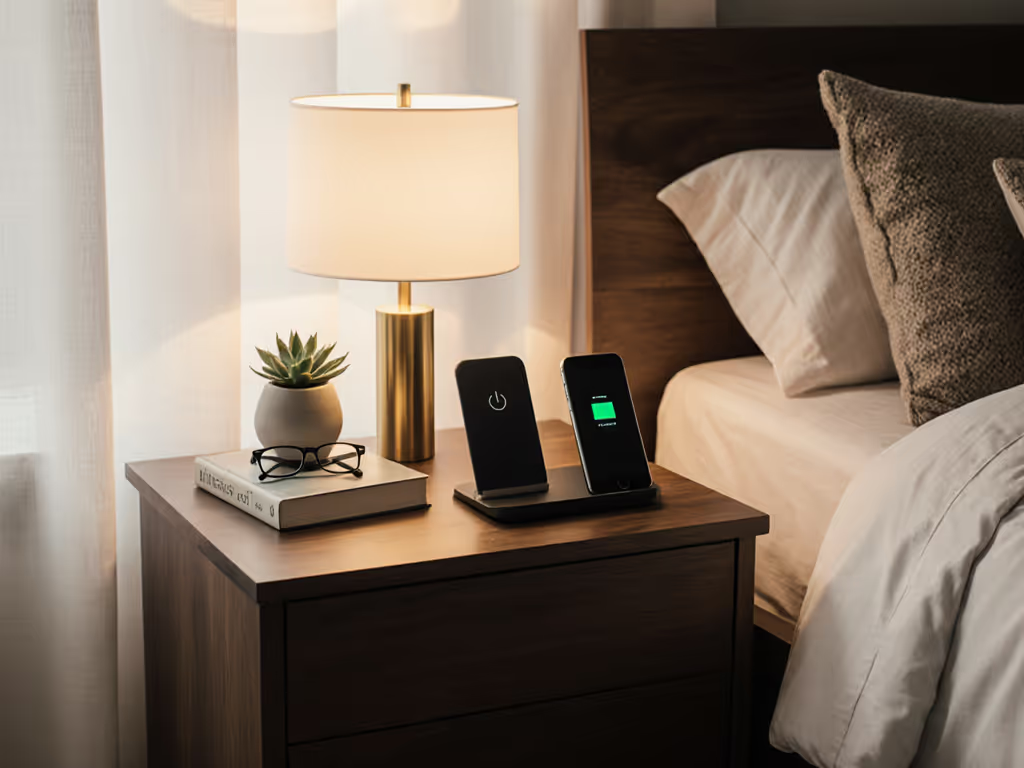
- Avoid overheating in soft-surface scenarios (bedside, couch arm)
- Maintain performance without spiking temps above ~42°C on the phone shell
- Still support trickle charging or "optimized battery charging" modes from your phone OS
If a model is known to get hot on beds or soft surfaces, it doesn't belong in your home office either.
Price and value snapshot
- MSRP: $120-$170
- Street price: $95-$130
Given similar 15W + 5W + 3W use, expect $3.80-$5.50 per sustained watt, a slight premium for portability.
Verdict on value: A yes if you travel at least a few times a year and want one setup to rule both home and away. Otherwise, you're paying extra for hinges you rarely fold.
6. The Budget Qi2-Compatible 3-in-1 - Cheap, But Not Trash
Sub-$70 "Qi2-compatible" 3-in-1s flood marketplaces. Many are just old Qi pads with magnets glued behind them, not true Qi2. The trick is finding the rare budget unit that's safe, honest about speeds, and doesn't bake your phone.
Where budget units usually cut corners
- No included adapter, or a weak 18-25W brick
- Vague or missing safety certifications
- "Magnetic" but only 7.5-10W Qi, even for iPhones
- Thin plastic shells with poor heat dissipation
- Questionable long-term reliability and sparse warranty support
Minimum standards I'd accept at this tier
- Clear statement of Qi2 certification or honest "Qi, 7.5-10W" wording (no pretending to be Qi2)
- At least UL/ETL plus FCC/CE marks, ideally with a visible certification number
- Realistic total power budget (30-35W brick if they're claiming "3 devices fast")
- A 1-year warranty with a traceable brand, not a random seller name
Price benchmarks
- MSRP: $60-$90
- Street price: $40-$70 (sales, promos)
Assuming you're getting 10W + 5W + 3W in practical use, that's 18W output. At $50, you're paying about $2.80 per sustained watt on paper, good value.
But if the brick is weak or the pad overheats and throttles to 5W mid-charge, that number collapses. For long-term reliability trade-offs, read our budget vs premium chargers study.
Skip the hype tax on budget units by mentally capping your expectations: you're buying convenience and basic tidiness, not max-speed charging.
Verdict on value: Maybe. If you find a model with verifiable certifications, honest wattage claims, and a known brand backing the warranty, it can be a reasonable starter. If you see wild claims and a tiny, anonymous brick, walk away.
7. The Ones to Avoid - Fake Qi2, Weak Bricks, and Red Flags
No list of "best" Qi2 3-in-1 chargers is complete without the traps to skip. These are the patterns that show up in too many returns and support tickets.
7.1. "MagSafe-style" but not actually Qi2
Red flags:
- Phrases like "MagSafe compatible" or "for iPhone 15/16" with no Qi2 logo
- Specs that top out at 7.5-10W even for iPhones
- No mention of certification bodies or safety lab testing
These may be usable as simple Qi pads, but don't pay Qi2 pricing for them.
7.2. Undersized included power bricks
If a charger claims:
- 15W phone
- 5W watch
- 5W earbuds
... yet ships with a 20-25W adapter, something will give. The station will:
- Throttle multiple devices
- Run hotter than it needs to
- Or deliver sub-"fast" speeds to everything
You want the adapter wattage >= total claimed wireless output + 10-15% overhead.
7.3. No real warranty or support
At minimum, expect:
- 12-month warranty spelled out in plain language
- A support website or email you can actually visit
If the brand only exists as a marketplace storefront and the manual is generic, treat it as disposable, even if the price looks tempting.
7.4. Overly bright LEDs and noisy fans
For home offices that double as guest rooms or are near sleeping areas, avoid:
- Always-on, bright blue LEDs that can't be disabled
- Active fan cooling unless you've confirmed it's quiet
Heat management should be solved by good coil design and metal structure, not by slapping a loud fan under your phone.
Verdict on value: These categories are a hard no. The short-term savings aren't worth the battery wear, clutter, or replacement costs when they fail.
Summary and Final Verdict: Building a Calm, Future-Proof Home-Office Setup
If you want your home office to feel intentional instead of improvised, a well-chosen Qi2 3-in-1 isn't a luxury; it's infrastructure. The right multi-device charging station:
- Consolidates phone, earbuds, and watch into one clean footprint
- Maintains cool, quiet, sustained power during work hours
- Keeps your battery health intact by avoiding thermal spikes and cheap coils
- Simplifies home office cable management instead of adding another tangle
Here's the short buying blueprint: For measured results on popular picks, see our Qi2 3-in-1 sustained power tests.
- Apple-first, desk-bound:
- Choose a flagship Qi2 3-in-1 stand with 15W Qi2 phone pad, Apple Watch fast charge, and earbuds tray.
- Demand a 45-65W GaN brick, Qi2 + UL/ETL + FCC/CE logos, and at least a 1-year warranty.
- Mixed Apple/Android household:
- Go for a cross-platform Qi2 pad with at least one Qi2 zone and one generic Qi zone.
- Verify total power budget and that the brick can actually support simultaneous fast charging.
- Tight desks or focused work zones:
- Pick a compact vertical Qi2 station to keep the footprint tiny and the phone visible.
- Family or multi-user home office:
- Consider modular systems only if you'll actually populate the ports and pads.
- Check expansion module specs carefully to avoid proprietary traps.
- Frequent travelers:
- A foldable Qi2 3-in-1 that lives on your desk and folds into your bag is worth the modest premium.
- Strict budgets:
- A budget Qi/Qi2-compatible 3-in-1 can be acceptable if and only if certifications, wattage, and support are clear and honest.
In every case, judge value the same way:
- Check real certification (Qi2, UL/ETL, FCC/CE)
- Confirm total power budget and brick wattage
- Look for safe thermal behavior and quiet operation
- Calculate the rough cost per sustained watt you'll actually use
Value shows up in watts delivered per hard-earned dollar. When you filter gear through that lens, most shiny stands fall away, and a handful of solid, standards-compliant options remain.
Buy one good, correctly spec'd Qi2 3-in-1 for your home office, and you won't be crawling under the desk or hunting for stray bricks ever again.
Related Articles