Qi2.2 Home Ecosystem: Room-by-Room Setup Guide
By Luca Moretti • 8th Apr
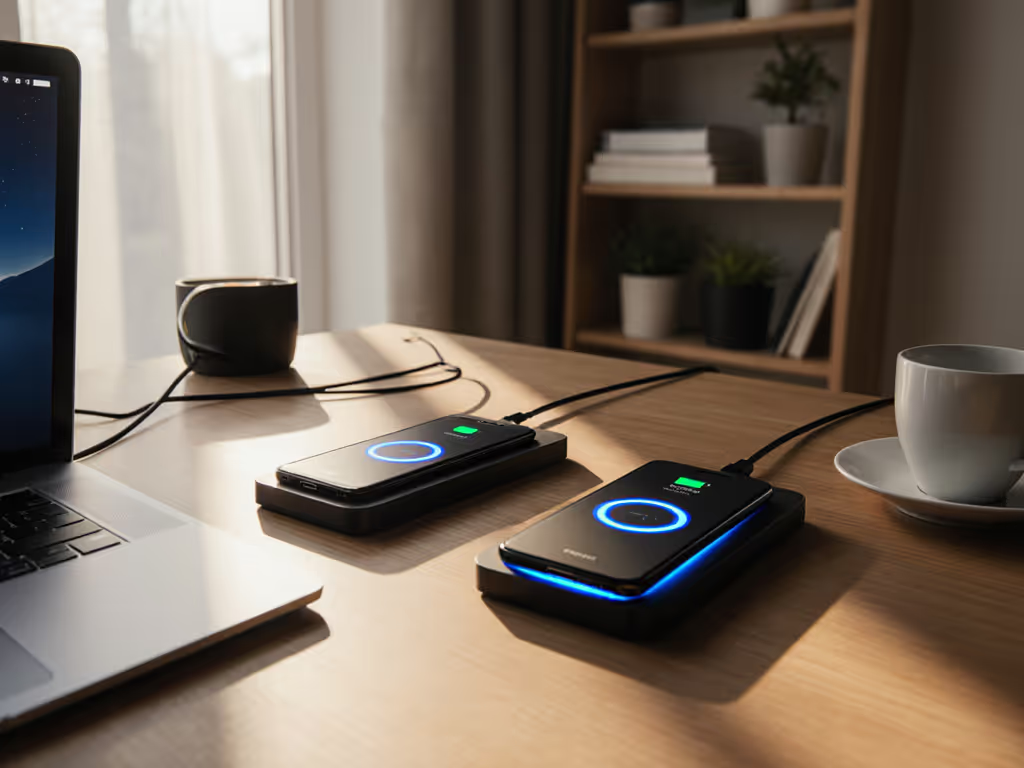
Building a comprehensive wireless charging setup around the Qi2.2 home ecosystem means thinking beyond single gadgets (you're architecting a system where power flows reliably to every room, every device stays cool and charged, and you never hunt for a cable again). Qi2.2 wireless charger technology, released in July 2025 as the latest evolution of the Wireless Power Consortium standard, finally delivers the consistency and speed that earlier iterations promised without the heat or alignment nightmares[3]. In my years tracking price-to-performance across charging ecosystems, I've learned that the real win isn't buying the fanciest pad (it's deploying the right wattage in the right place and keeping receipts lean). This guide breaks down exactly where Qi2.2 fits, what you actually need per room, and how to avoid the cable clutter that plagued my first apartment's charging chaos.
Why Qi2.2 Matters: The Standard That Finally Delivers
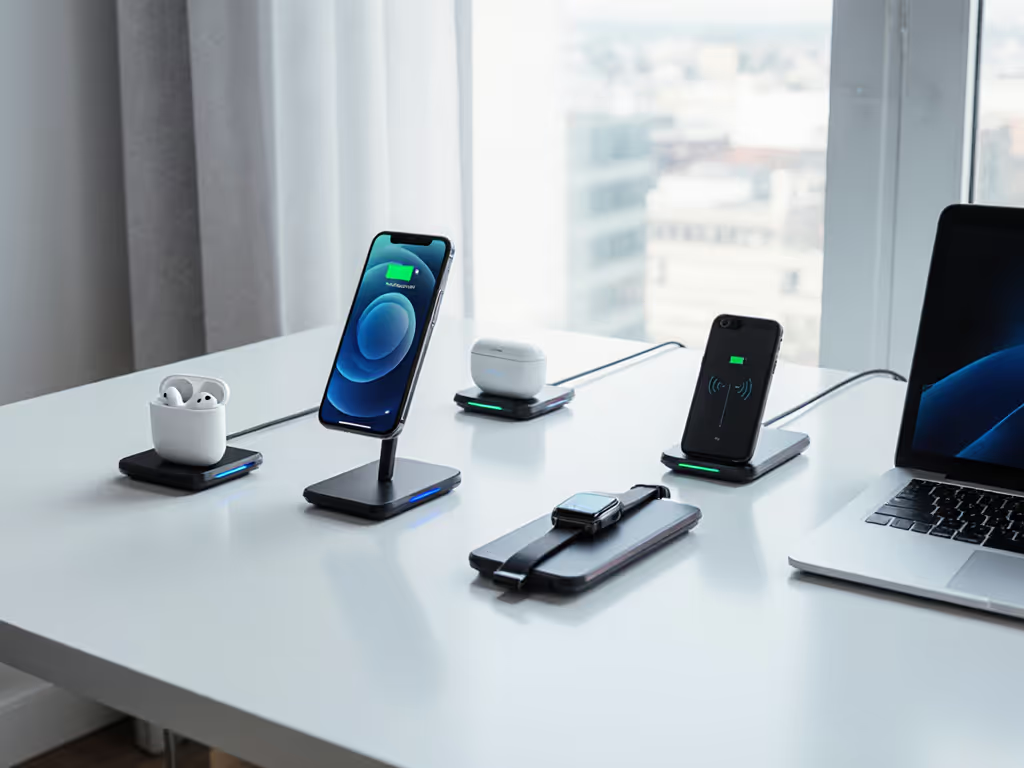
Qi2.2 (also branded as Qi 25W) isn't just another marginal update (it's the first wireless charging standard to bake magnetic alignment into the spec itself, borrowed from Apple's MagSafe playbook[5]). For a deeper breakdown of the upgrades, read our Qi2.2 vs Qi2 technical comparison. The tech now delivers up to 25W of power with guaranteed positioning every time, automatic power negotiation that prevents overheating, and full backward compatibility with older Qi devices[3]. The magnetic alignment feature alone solves the most annoying real-world friction: devices no longer drift off pad centers overnight, triggering slow trickle-charge at 5W. For professionals and families juggling multiple devices, this is a shift from "wireless charging works if you nail the spot" to "wireless charging works, period."
Value shows up in watts delivered per hard-earned dollar, and Qi2.2's standardized 25W ceiling means you're not overpaying for inflated power claims that throttle under real load[3]. When every pad from every maker now hits that same spec, the competition moves to heat management, alignment precision, and industrial design rather than fictitious wattage.
1. Bedroom & Nightstand: Silent, Cool, and Sleep-Friendly
The Goal: A dim-to-dark, silent charging zone that respects sleep cycles and keeps battery wear minimal.
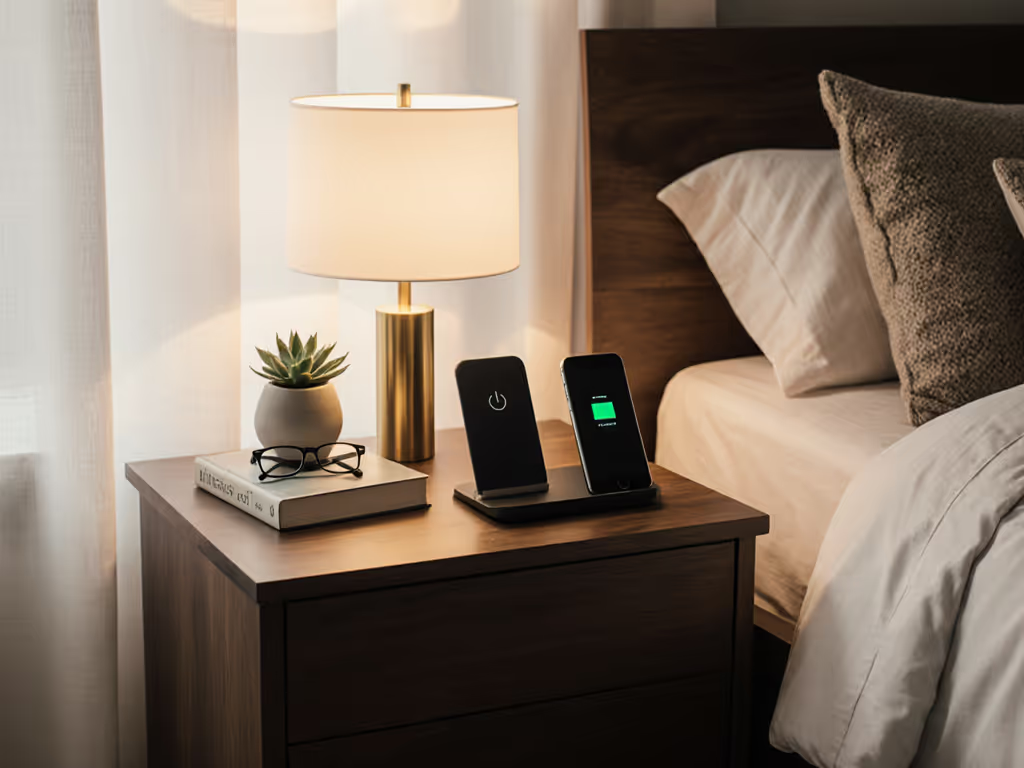
Your nightstand is where charging noise and light kill sleep. Skip the hype tax on RGB-lit chargers with buzzing fans. Instead, look for fanless Qi2.2 multi-device pads that consolidate phone, watch, and earbuds into a single quiet platform. See our lab-tested picks for Qi2.2 nightstand and multi-device chargers. A 3-in-1 Qi2.2 magnetic station (like the Momax 1-Charge Q.Port²) delivers 25W to your phone, trickles 5W to your Apple Watch, and tops AirPods simultaneously with intelligent power distribution, all without audible fan noise[2]. The Momax unit weighs just 214g, folds compactly, and uses magnetic patches for secure positioning[2].
Key specs to verify: confirm the pad supports pass-through charging (so your phone can top up while you use it) and that it ships with a 1m USB-C cable and no external power block on the charger itself[1]. Many nightstand pads are parasitic on the outlet; Qi2.2-certified designs communicate their power budget in milliseconds, so the pad itself stays cool even when all three devices charge simultaneously[3]. Temperature check: place a thermal probe under the phone during a full 0-100% charge cycle at night. Any pad exceeding 43°C after 30 minutes of active charge should be returned (it's straining the battery even if you don't feel it).
Warranty and return policy matter here more than anywhere else. You're committing this pad to nightly use for years; buy only units with a minimum 2-year warranty and a hassle-free 30-day return window. The goal is sleep calm, not charging anxiety.
2. Home Office & Desk: Fast Refresh Between Meetings
The Goal: Quick phone and earbud top-ups during the workday without heat, plus stand-mounted iPad or Android tablet charging for continuity.
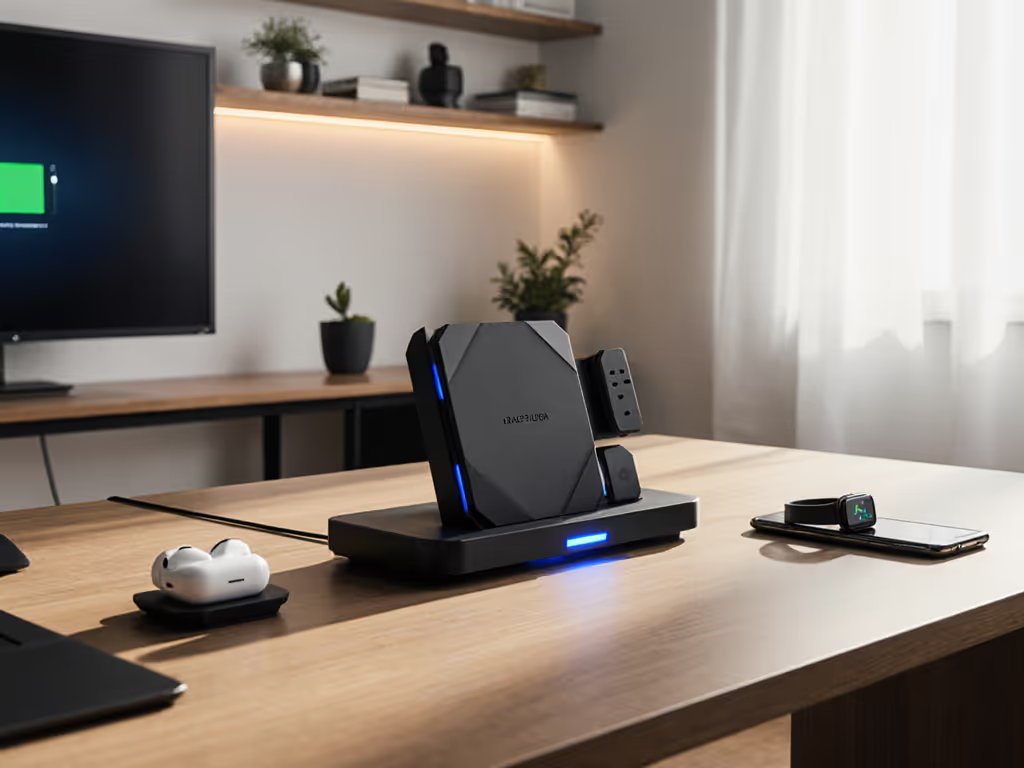
A desk charger is where you'll actually use speed. Unlike nightstand pads that trickle at night, office setups see rapid 0-80% charging between 10am calls and client presentations. A Qi2.2 25W pad with a single-device focus will pull its full power envelope, reaching 80% in roughly 30-45 minutes depending on device capacity[3]. The EcoFlow RAPID Pro merits attention here not for its headline wattage (300W total output applies to simultaneous multi-port use), but for its modular ports: a 140W USB-C port handles fast-wired charge of a MacBook or ThinkPad while the Qi2.2 pads deliver 25W to your phone, with no power bottleneck[1]. If you also dock earbuds, the third USB-C port (65W) covers a secondary device.
But here's the cost-per-sustained-watt math: a single-purpose Qi2.2 phone charger pad costs $25-$45, vs. $80-$120 for the RAPID Pro's multi-port ecosystem. Unless you're tethering a laptop, tablet, and phone simultaneously, the single-pad approach delivers better price-to-performance. Save the RAPID Pro for item 4 (travel kit), where it earns its marginal cost by collapsing four devices into one brick.
Office setup verdict: Qi2.2 phone pad ($30-$45, certified Qi2.2 logo checked) + a separate 65W USB-C wall brick for wired laptop charge. For workspace-specific recommendations and cable management tips, check our home office wireless charging guide. Keeps heat off the phone pad, costs $60-$70 all-in, and return it within 30 days if the pad overheats during a back-to-back-to-back meeting marathon.
3. Living Room & Entertainment: Multi-Device Zones
The Goal: Phone, tablet, and Nintendo Switch (or gaming controller) all charged during film nights, without tangling cables under the couch.
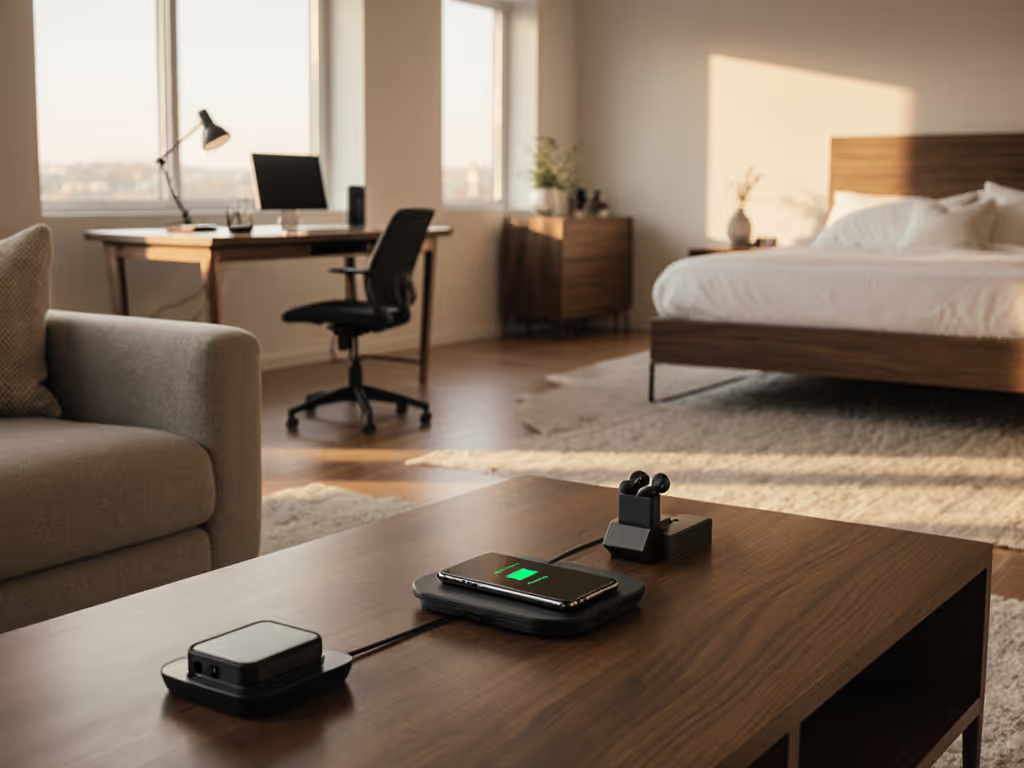
This is the room where cables historically vanish into couch cushions and you spend 20 minutes on a "charging scavenger hunt" hunting adapters your guests borrowed. Multi-device charging stations are the antidote. A Qi2.2 station designed for 3-in-1 operation (phone, watch, earbuds) or a horizontally-spread 4-pad layout for whole-family phones tackles this at scale[3]. Compare family-friendly multi-device wireless charging pads to pick the right layout for your space.
Key insight from the Momax Q.Port²: its 35W total power budget distributes intelligently across all three devices simultaneously[2]. That means your iPhone isn't starved to 5W because your Watch is topping up. Modern stations with smart power management detect which devices need priority charging and allocate watts accordingly[3].
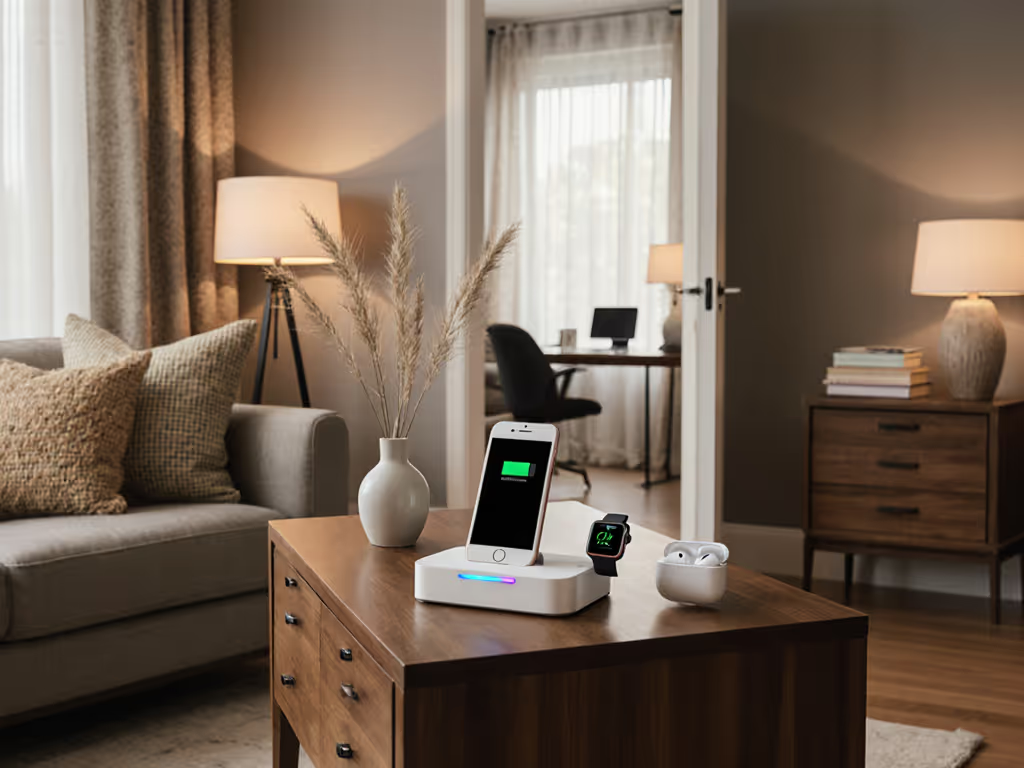
For the living room specifically, choose a pad with a low-profile design (under 30mm tall) so it doesn't dominate a coffee table or entertainment stand. The Momax unit at 28.1mm folded height fits unobtrusively[2]. Aesthetic win: a single tidy pad beats a forest of black cubes and tangled micro-USB cables.
Living room verdict: One 3-in-1 Qi2.2 station ($40-$60, magnetic alignment verified) placed on a side table or media console, with a dedicated 35W USB-C wall brick. Teaches household members that wireless charging is default, not a backup. Guarantee: fewer cables under the couch, fewer adapter thefts.
4. Car & Mobile: Navigation, Music, and Power Without Battery Bleed
The Goal: A car mount that holds your phone during long drives, keeps it charged despite GPS + music demands, and doesn't overheat on summer dash.
Car charging is where wireless fails most visibly. Dashboard temps climb to 60°C+ in hot weather, throttling Qi chargers to 5W on safety grounds. Add GPS navigation and Spotify streaming, and your phone loses net battery despite the charger running. This is where the EcoFlow RAPID Pro's 140W single-port output earns its cost: run a hard-wired USB-C cable from a 140W GaN power brick (under the seat) to a spring-mounted phone cradle with a magnetic alignment ring. Wired charging bypasses Qi's heat issues entirely, and the cradle becomes a pure mechanical holder. At 140W input capability, the RAPID Pro's USB-C output keeps even a 2024 flagship phone at net positive charge during a 6-hour road trip[1].
If you insist on wireless in-car, accept reality: Qi2.2 will deliver only 10-15W steady-state on a hot dashboard because the charger itself throttles to preserve the phone's battery chemistry. That covers music and light navigation but won't charge a phone and run full GPS + video simultaneously. Verdict: go wired for the car. Skip false wireless claims that promise 25W in a 50°C environment. If you still prefer a pad, review our car mount safety comparison to choose the safest wireless setup.
5. Guest Room & Flexible Spaces: Universal Charging for Mixed Households
The Goal: A charger that works for iPhones, Pixels, Galaxies, and older Qi 1.0 devices without guests feeling like they need an instruction manual.
Qi2.2's backward compatibility is a gift here[3]. A guest with a Pixel 8 that doesn't support Qi2.2 won't be locked out (it will charge at Qi 1.x speeds ~5W on a Qi2.2 pad), just slower than your iPhone 16 (which gets the full 25W). A simple printed card next to the charger explaining "Qi2 pads work with all phones, faster for recent models" sets expectations upfront.
For guest rooms, choose a pad with a universal stand option, not a flat pad. Guests want to see their phone at eye level during calls, not buried in a landscape brick on a nightstand. The Momax Q.Port² reference is a 3-in-1 case, but many Qi2.2 vendors sell companion phone stands ($15-$25 add-on) that position devices at 30-45° angles[2]. Budget accordingly.
Guest room verdict: One Qi2.2 pad + stand combo ($50-$75 all-in) with a printed compatibility note. Costs less than a night's worth of confusion. Guarantees guests charge without asking where the USB-C brick is.
6. Kitchen & Garage Workshop: Tough, Waterproof Zones
The Goal: Chargers that survive splashes, dust, and the occasional tool-belt bump without failing.
Kitchens and garages demand rugged gear. Look for Qi2.2 stations with an IP54 or IP65 certification (dust-resistant, splash-resistant). The EcoFlow RAPID Pro, while not marketed as IP-rated, ships with a protective case option and designed-in drainage paths[1]. Most premium Qi2.2 pads in this category cost $60-$100, but the investment is negligible against replacing a fried charger every 18 months.
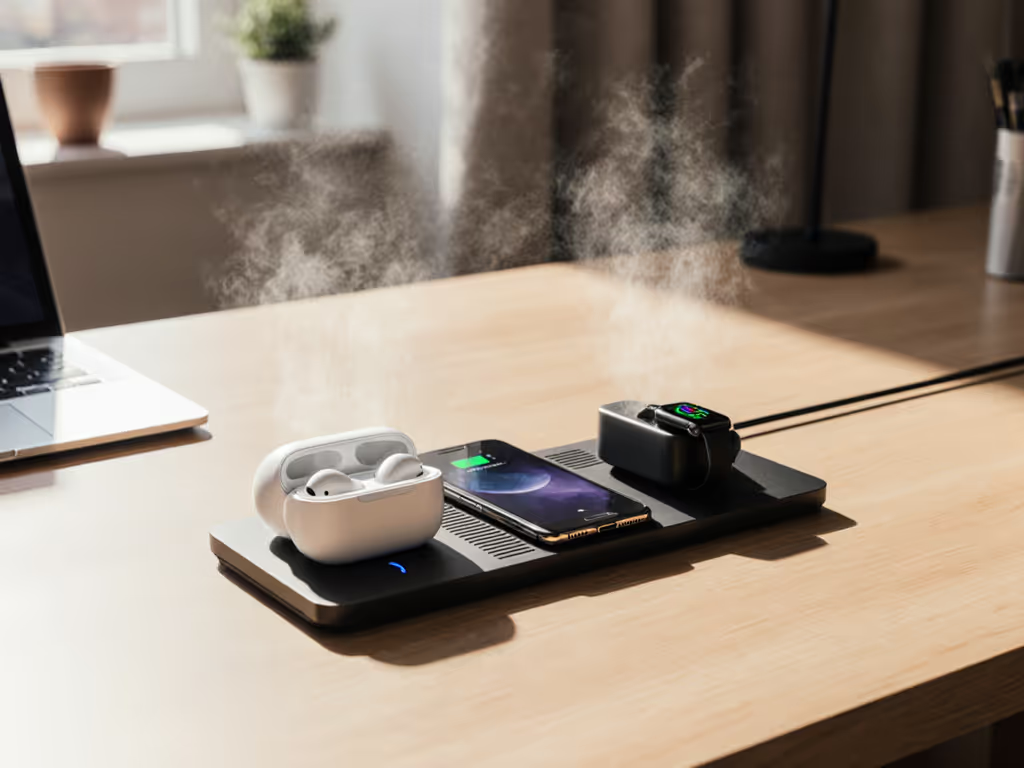
Waterproofing also buys peace of mind if you place a charger on a kitchen island near a sink or coffee maker steam plume. A pad rated IP65 handles spray from 15+ feet and dust ingress that would kill an unrated unit in weeks.
Workshop / garage verdict: One IP54+ Qi2.2 pad ($70-$100, certification checked) mounted on a wall-bracket or dock so it's not sitting in puddles. Warranty: non-negotiable 2-year water-damage coverage.
7. Travel Kit: The One-Brick, One-Cable Collapse
The Goal: A single charging ecosystem that fits a backpack, handles phone + earbuds + watch + power bank, and works globally without adapters.
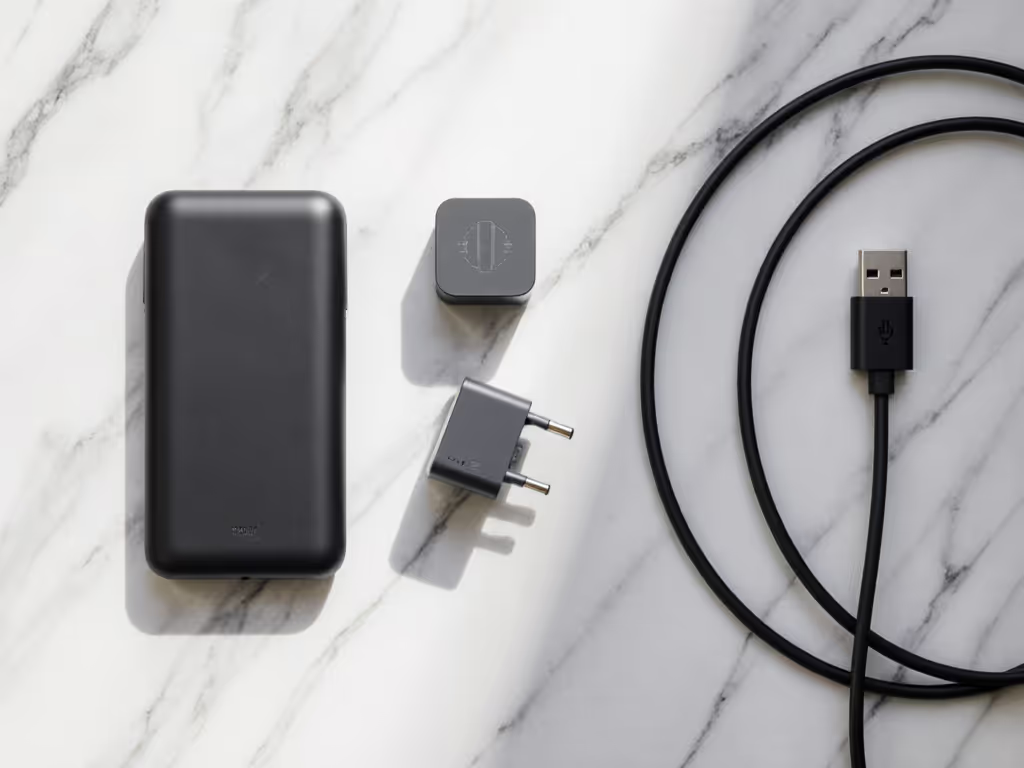
This is where the EcoFlow RAPID Pro (or equivalent high-capacity power bank with integrated Qi2.2 charging surfaces) justifies its $150-$200 price point[1]. The kit needs to collapse to roughly the size of a water bottle and deliver sustained charge for a 16-hour travel day without heat or throttling.
The RAPID Pro's 27,650 mAh capacity (99.54 Wh, air-travel-safe on all major carriers) and 320W input support means you're not hostage to weak hotel USB ports[1]. Pair it with a 100W GaN power brick (compact, $40-$50 standalone) and a single 2-meter USB-C cable (e-marked for safety, $15-$25), and you've collapsed a 4-brick setup into a single-pocket kit.
Critical for travel: confirm the power bank's Qi2.2 charging surface is sealed (no exposed coils that collect dust in a TSA bag). The RAPID Pro's design accommodates this[1]. Test the kit once at home by running a full 0-100% cycle on your phone while the power bank itself recharges. You're checking that the kit sustains rated power under real dual-charge stress, not just spec-sheet claims.
Travel kit verdict: One Qi2.2 power bank ($150-$180), one 100W GaN brick ($45-$60), one e-marked USB-C cable ($20). Total: $215-$260, fits a small pouch, charges everything for a week. Return window: 60 days, because travel scenarios will expose design flaws that home use never sees.
8. Smart Integration & Future Paths: Scheduling and App Control
The Goal: Chargers that can shift to off-peak electricity times and report battery health back to your phone.
Qi2.2's emerging smart features include Wi-Fi connectivity for scheduling (charge between midnight and 6am at lower electricity rates) and local battery health telemetry, all without cloud dependency, for privacy[1][3]. The EcoFlow RAPID Pro supports this via the EcoFlow app: Wi-Fi connection toggles (2.4GHz only) and Bluetooth pairing allow you to monitor real-time wattage and set charging windows[1].
For most users, this is nice-to-have, not essential. But if your electricity tariff swings 40% between peak and off-peak hours, the ability to schedule the living room's multi-device pad to charge phones between 11pm-6am recovers $50-$100 per year. Calculate your own savings: total household devices × average wattage × daily cycles × off-peak savings rate. If it exceeds $30 annually, the smart connectivity pays for itself.
Future-proofing: as Qi2.2 rolls out through 2026-2027, expect more vendors to ship Wi-Fi-enabled pads. Buying a single smart Qi2.2 unit today in your primary use room (bedroom or office) locks in the option; older single-pad chargers remain dumb but never break[3].
Smart integration verdict: Buy one Wi-Fi-enabled Qi2.2 pad for the bedroom (your highest-use zone, where scheduling saves money fastest). All other rooms can run passive, non-connected pads. Separates signal-to-noise and avoids a house full of chatter on 2.4GHz.
Room-by-Room Cost Breakdown: Transparent Pricing
Here's the lean, honest version. MSRP in parentheses; typical street price after $5-$20 retailer discount.
- Nightstand (fanless 3-in-1 Qi2.2): $50-$70 street price ($60-$80 MSRP)
- Office (single Qi2.2 pad + 65W USB-C brick): $55-$80 street price ($65-$95 MSRP)
- Living room (3-in-1 Qi2.2 + 35W brick): $50-$75 street price ($60-$90 MSRP)
- Car (wired 140W setup, no Qi charger): $35-$60 street price ($40-$70 MSRP)
- Guest room (Qi2.2 pad + stand): $50-$80 street price ($60-$100 MSRP)
- Kitchen/garage (IP54+ rugged Qi2.2): $70-$100 street price ($85-$120 MSRP)
- Travel kit (power bank + brick + cable): $215-$260 street price ($240-$300 MSRP)
- Smart Qi2.2 bedroom pad (optional upgrade): +$30-$50 for Wi-Fi connectivity
Total 7-room ecosystem: $525-$795 street price. For a multi-device household of 4-6 people across shared spaces, that's $85-$160 per person annually if amortized over 5 years. Compare to the annual cable-and-charger graveyard most households landfill, and the economics self-justify.
Non-negotiable spend: $40-$60 total on 2-3 100W GaN power bricks. These are your backbone. Skimping on a cheap 30W brick from an unknown vendor will throttle Qi2.2's 25W ceiling and create heat nightmares. Stick to brands that list UL/FCC certifications on the box.
Battery Health & Heat Management: Practical Discipline
Qi2.2 is cooler than earlier Qi standards, but it's not magic. Long-term battery health depends on three behaviors:
-
Measure pad temperature under real load: Place a contact thermometer on your phone's back during a full charge cycle on each pad. If it exceeds 45°C, the pad is either undersized or misdesigned. Return it. Cell batteries lose ~5% annual capacity for every 5°C rise above 25°C. Accelerated heat is accelerated aging, full stop[3].
-
Use wired charging for rapid top-ups: If you need to go from 20% to 100% in under 45 minutes, use USB-C wired charging, not Qi2.2. Wired can deliver 60-140W with superior thermal dissipation (heat goes to the brick, not your phone). Qi2.2's 25W is optimal for overnight, slow-roll charging, not emergency refills.
-
Off-pad storage: If a device will sit uncharged for weeks (travel backup phone, old iPad), store it at 40-60% battery and cool temperature. Don't leave it on a Qi2.2 pad in a warm room continuously. Modern phones have smart charging (iOS, Android 14+), but margin of safety is free.
Multi-Brand Households: Android + iOS Coexistence
Qi2.2 is standard-agnostic; it works with all certified devices. But watch for two caveats:
- Apple Watch: Requires an Apple-designed puck, not a Qi2.2 pad. If your household mixes iPhone + Apple Watch + Android phones, a 3-in-1 Qi2.2 pad won't charge the watch. You'll need a separate watch puck on the nightstand[2].
- Samsung Galaxy Watch: Likely Qi2.2-compatible by mid-2026, but confirm before buying. If in doubt, test in-store or use a 30-day return window.
For mixed households, simplify: one 3-in-1 pad (phone + earbuds + legacy compatible device) plus dedicated charging for non-Qi devices. Cost is marginal ($15-$25 per add-on), friction is eliminated.
Certification & Safety: Don't Buy Grey-Market Gear
Skip the hype tax by rejecting anything without a printed Qi certification logo on the box or manual. Look for Wireless Power Consortium (WPC) branding, FCC mark (US), CE mark (EU), or equivalent regional certifications. Counterfeit Qi chargers, especially from untraceable Amazon resellers, skip compliance testing, overheat, and destroy phones. A $40 pad from a no-name vendor can torch a $1,200 device. Not worth it.
Buy from known retailers (Best Buy, Amazon direct, manufacturer websites) and check the vendor name carefully. If the history shows multiple sellers and the price is 30%+ below street rate, it's likely counterfeit stock or a gray-market unit with zero warranty recourse.
Summary & Final Verdict
A comprehensive wireless charging setup anchored on Qi2.2 isn't luxury (it's infrastructure). When every room has the right wattage, heat stays controlled, alignment is predictable, and your household forgets cables exist, the ecosystem pays for itself in reduced friction, fewer device replacements, and battery longevity you can measure.
Start lean: bedroom nightstand (3-in-1 Qi2.2 pad, $60) + office desk (single pad + GaN brick, $75) = $135 initial spend, immediate ROI in sleep quality and work focus. Add travel kit (power bank + brick, $230) if you're a frequent mover. Grow to living room and guest zones as budget allows. Each addition compounds the system's value without requiring replacement of prior purchases. Qi2.2's backward compatibility and modular design mean you're never locked into a proprietary ecosystem.
Final checklist before buying:
- Confirm the Qi2.2 logo is printed on the box (not just claimed in marketing copy).
- Verify a 2-year minimum warranty and 30-day return policy.
- Test one unit at home for heat (thermometer check at 30 minutes full charge).
- Buy only GaN power bricks from certified vendors (UL/FCC listed).
- If traveling, test the power bank kit for real-world dual-charge stress before relying on it.
- For multi-brand households, confirm each device's Qi2.2 compatibility before checkout (especially smartwatches).
Don't wait for the perfect standard to arrive: Qi2.2 is here, certified, and mature enough for deployment today. Smart spending means buying the right wattage once, and Qi2.2 finally guarantees that wattage is delivered safely and predictably. Skip the hype tax. Build the ecosystem. Sleep better.
Related Articles